
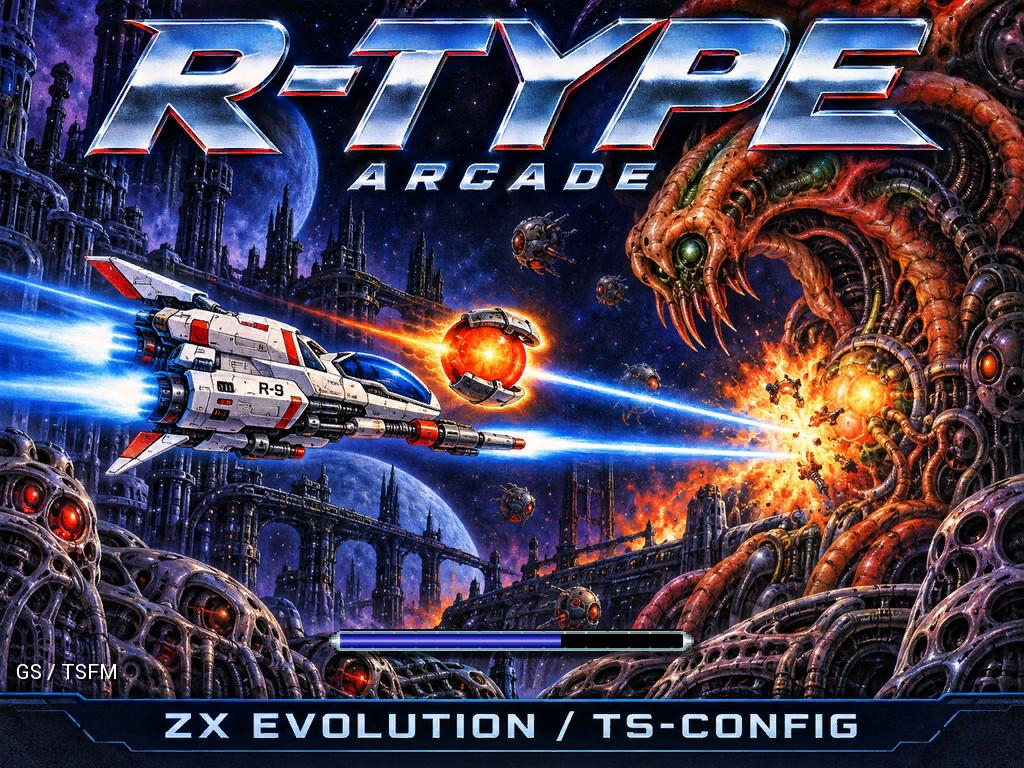
R-Type Arcade brings Irem’s classic space shooter to ZX Evolution with VDAC2 / FT812. Explore eight stages, learn the controls and download the game.
The R-9 is small. The Bydo world is anything but. R-Type Arcade for ZX Evolution brings Irem’s demanding side-scrolling shooter to TS-Config systems equipped with VDAC2 (FT812), with all eight stages of the arcade game ready to explore.
First released in 1987, R-Type rewards a cool head as much as quick reactions. Learn where the next attack comes from, find a safe line through the scenery, and make every charged shot count. The detachable Force module turns each encounter into a decision about positioning, protection and firepower.
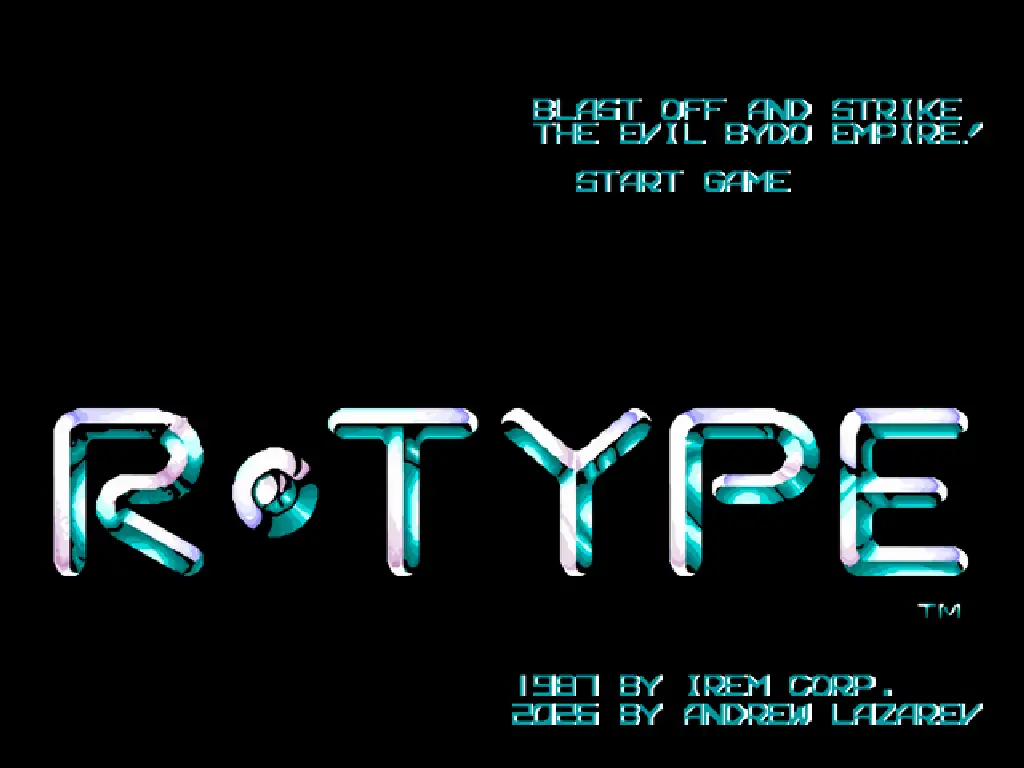
The arcade game at its core
This port starts with the World release for Irem’s M72 arcade hardware. Original game routines are being brought over to Z80 while preserving their behaviour; sections awaiting a native rewrite use V30-to-Z80 machine-code translation. Graphics, audio and input have been adapted for ZX Evolution.
Accuracy is checked during development by comparing game memory against a reference, frame by frame. The result includes the original game’s complete eight-stage journey, bosses and checkpoints.
Game data is loaded as you play. The game therefore runs only from an SD card connected through ZX Evolution’s Z-Controller.
Make the Force work for you
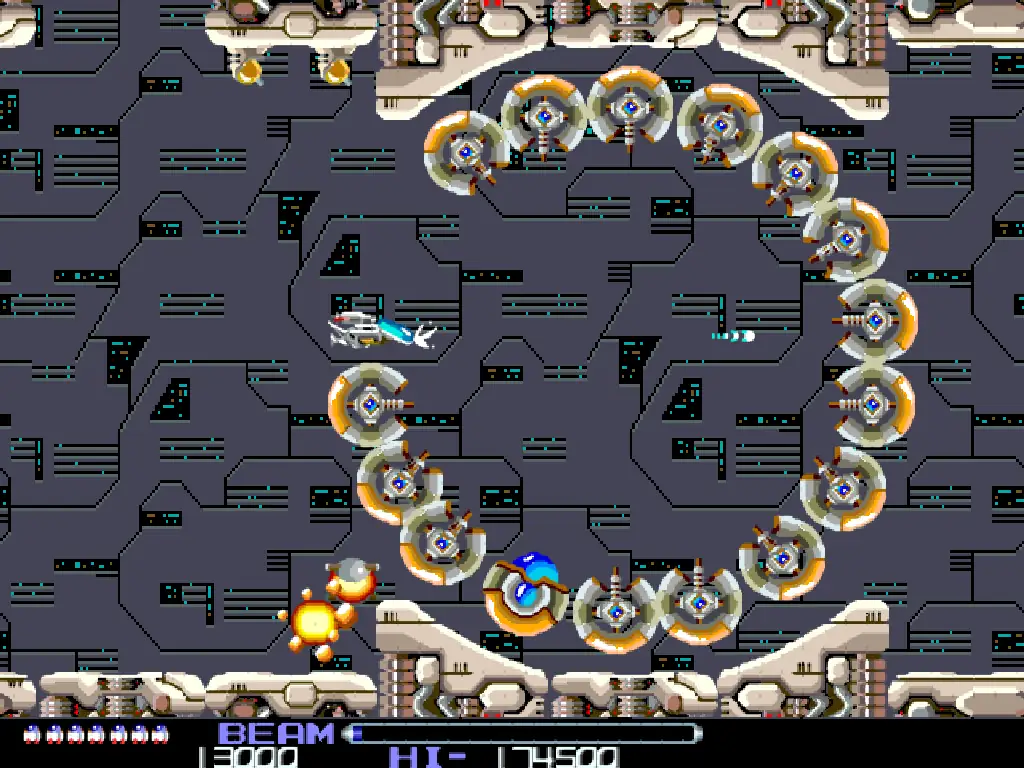
Your most useful weapon is also a movable line of defence. Keep the Force attached to the R-9 for protection and concentrated fire, or send it out to attack independently. Its position can make all the difference when enemies approach from an awkward angle.
The beam adds another choice: fire now, or hold back and build up a stronger shot. Hold the fire button to charge, then release it to unleash the beam. Tight passages and boss fights reward a well-timed charge and a carefully placed Force.
Arcade artwork on the FT812
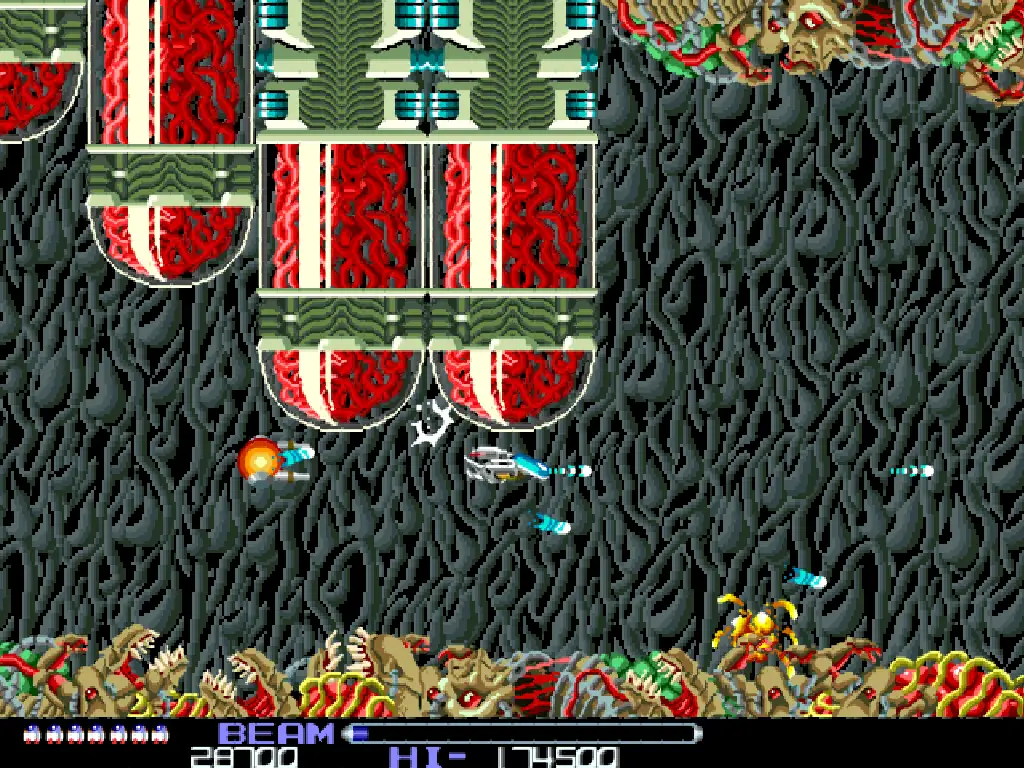
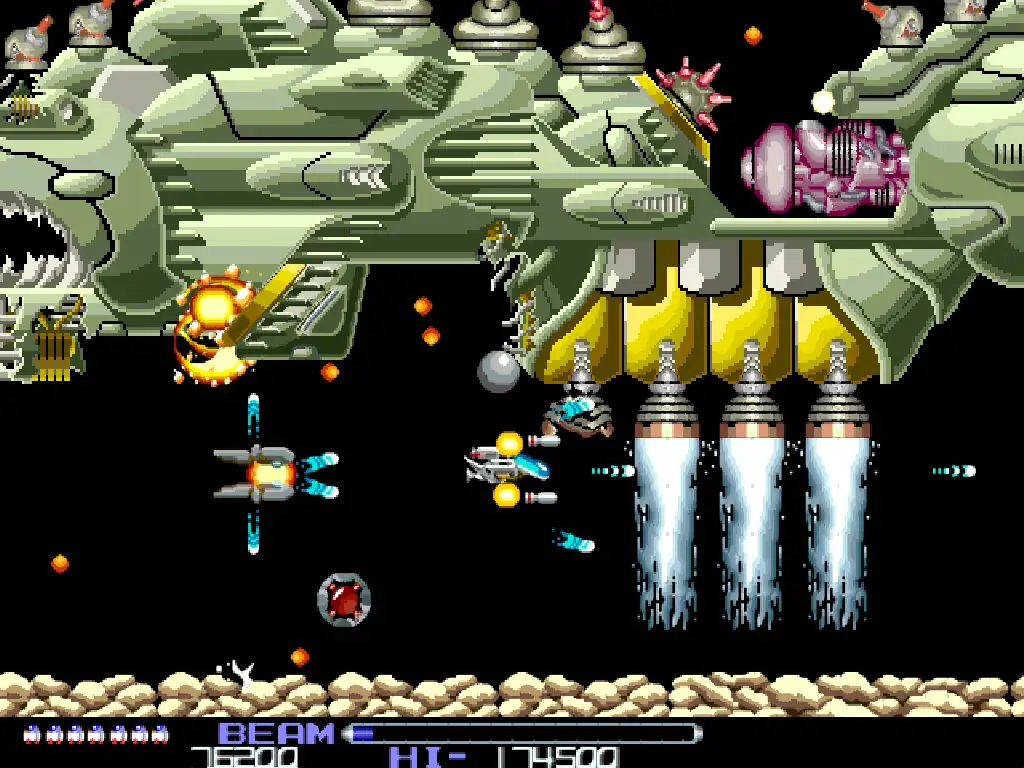
The artwork is prepared before the game runs. The original 384 × 256 graphics are enlarged sixfold with xBRZ, then resampled to 640 × 480 using Lanczos. During play, the FT812 scales that image to a 1024 × 768 output.
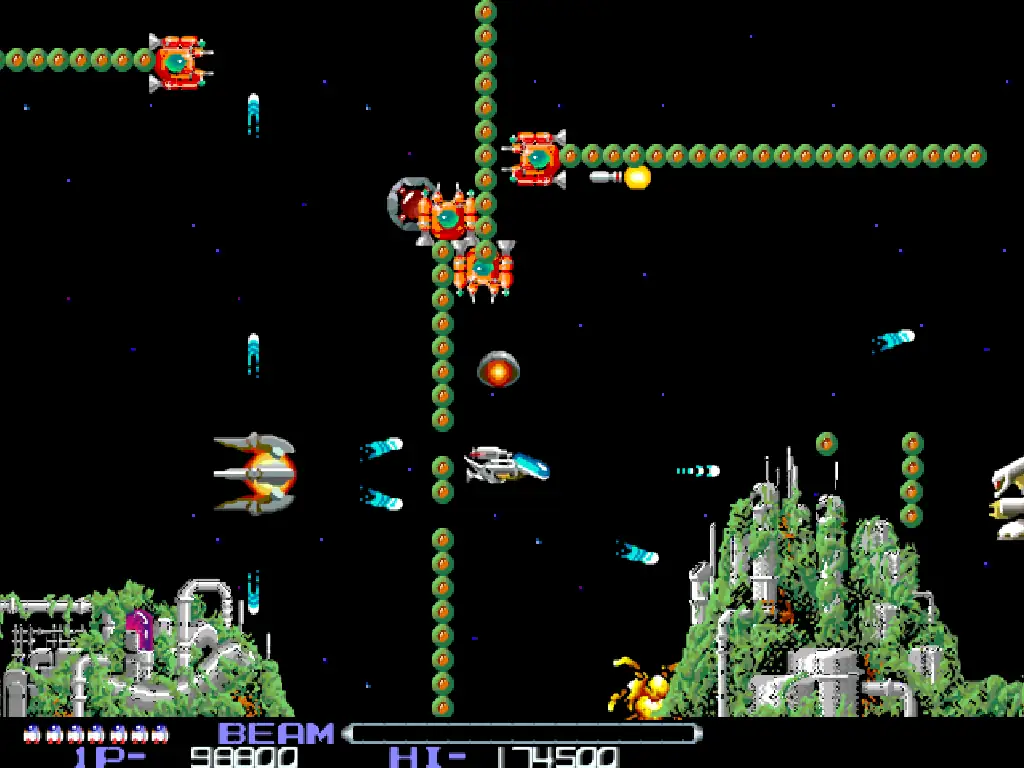
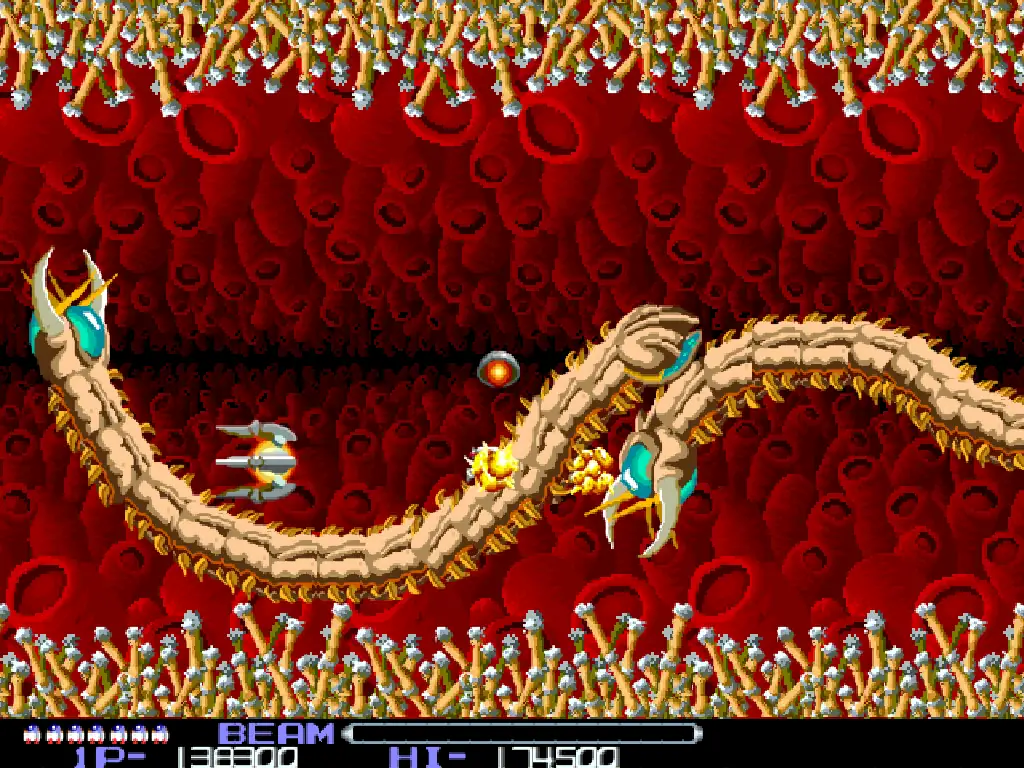
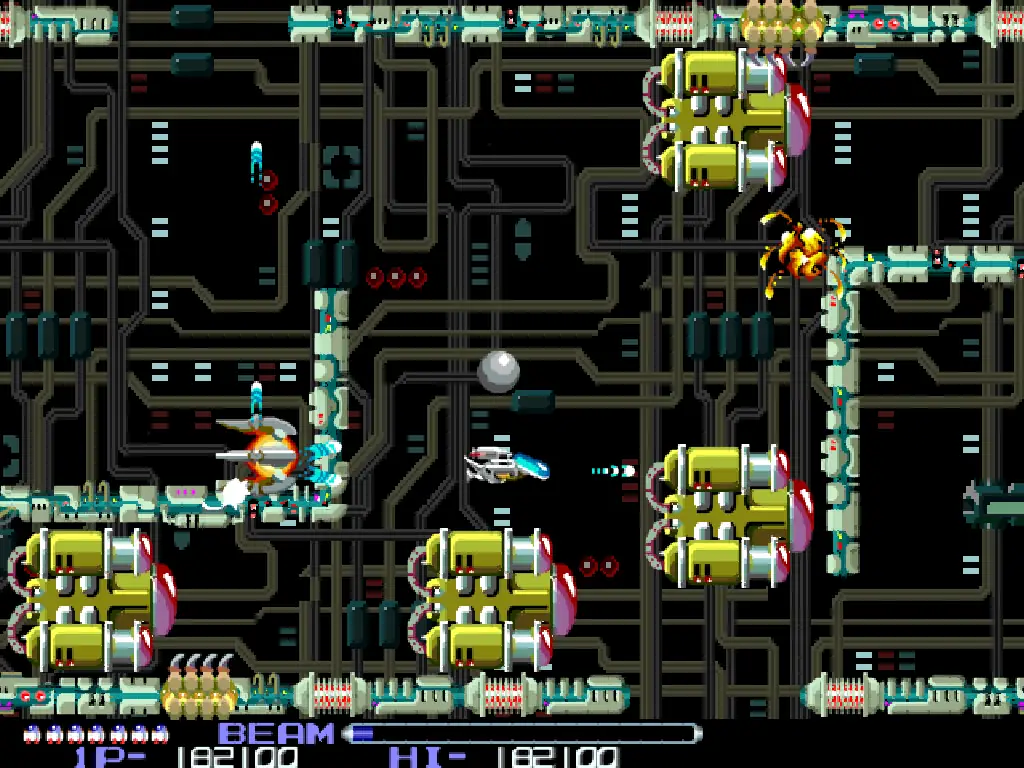
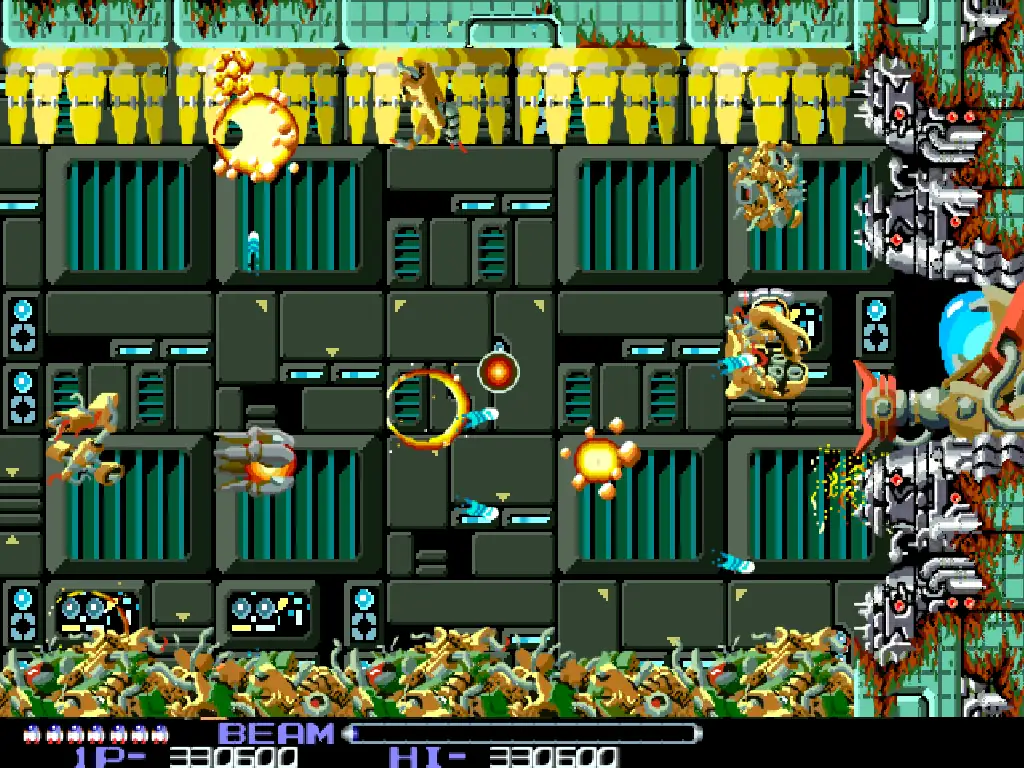
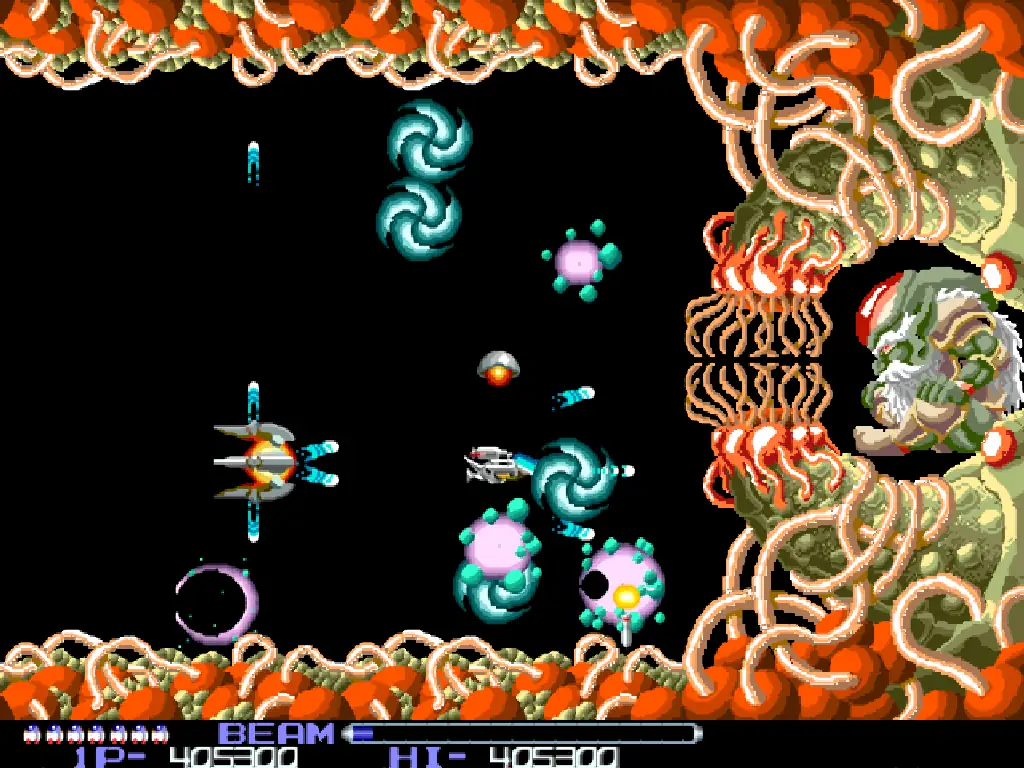
This keeps the heavy image processing out of the game loop while retaining detail in the sprites and backgrounds. The screenshots trace the changing scenery: industrial corridors, a vast battleship and, eventually, the organic depths of the Bydo world.
FM music and sampled effects
The arcade soundtrack has been adapted from the YM2151 for TurboSound FM’s two YM2203 chips. General Sound, or a compatible ZX-MultiSound, handles the game’s 46 sound effects.
Audio setup is automatic. The game checks for General Sound at startup and shows the selected sound configuration on the loading screen. Without GS, it falls back to AY sound effects with no music.
Choose your controls
Fly with a keyboard, a Kempston joystick or a Kempston Mouse. The essential actions are movement, fire and Force control:
- Move: arrow keys, Q/A/O/P, joystick or mouse.
- Fire and charge the beam: Space, Enter, joystick fire or the left mouse button.
- Detach or recall the Force: right Alt (AltGr), the second button on a supported Kempston joystick or the right mouse button.
- Start a game: press fire on the title screen, or use joystick button 8.
- Return to Wild Commander: F12.
Q/A/O/P move up, down, left and right respectively. For a charged shot, keep fire held until you are ready, then release it. Leaving with F12 returns you to Wild Commander with the current folder preserved.
Tune movement speed and mouse sensitivity
Press Esc during play to switch keyboard and joystick movement between 1× and 2× speed. Each session starts at 1×. This setting does not change mouse movement.
Click the middle mouse button to alternate between 1× and 0.5× sensitivity. The default is 1×; choose 0.5× when you want finer control through narrow gaps. Changing either speed setting brings up an indicator in the bottom-right corner for about three seconds.
Choose 59 Hz or the arcade pace at 55 Hz
Press Esc on the title screen to switch between 59 Hz and 55 Hz. Both modes use 1024 × 768, and every launch begins at 59 Hz. After a change, the selected refresh rate appears at the bottom left for about three seconds.
Choose 55 Hz for the original arcade timing of both the action and the music. At 59 Hz, they run about 7.4% faster. If your monitor cannot display 55 Hz, press Esc again on the title screen to return to 59 Hz.
During the attract-mode demonstration, any key—including Esc—only takes you back to the title screen. Press Esc once you are there to change the display mode.
Get ready to launch
- Computer: ZX Evolution running TS-Config.
- CPU: Z80 at 14 MHz.
- Graphics: VDAC2 with an FT812 graphics controller.
- Storage: a FAT32 SD card on ZX Evolution’s Z-Controller. The game must run from this card.
- Full audio: TurboSound FM plus General Sound, or a compatible ZX-MultiSound.
- Copy the complete game folder from the release archive to your SD card.
- Keep the files together: rtype_vdac2.spg, RTYPECOD.PAC and RTYPELVL.PAC must be in the same folder.
- Launch from Wild Commander: open rtype_vdac2.spg.
- Keep the control reference handy: you will find it in README.TXT.
Use a PS/2 keyboard, or connect a USB keyboard through a HIDman USB-to-PS/2 adapter. The ZX keyboard on the 40-pin connector is not supported. The numeric keypad’s arrow keys can also be used for movement.
Download and play
The port is developed by Andrew Lazarev. Ready-to-run builds and release notes are available on GitHub; the link below always opens the latest release.
Having trouble downloading from GitHub? You can also get the game directly from our website using the link below.